
After years of tweaking faders and chasing presets, many producers realize the “cheap” sound isn’t a gear gap — it’s a technique gap. Here’s what actually fixes it.
After years of tweaking faders, chasing presets, and wondering why the professionals somehow always sound better — many producers finally realize it wasn’t about the gear. It was about the decisions behind the gear.
You might recognize the feeling: your mix looks fine on paper, the levels are balanced, the arrangement is solid — but something still sounds “cheap.” Not bad, exactly. Just… lacking that professional depth and warmth that separates a home studio session from a finished commercial record.
The good news? This is a solvable problem. And the solution rarely involves buying more plugins. It involves understanding why digital audio can sound sterile, and using the right tools to address those specific deficiencies.
The most common culprit behind a thin or harsh mix is poor tonal balance. High frequencies that are too prominent create a harsh, fatiguing sound. Muddy low-mids rob your mix of clarity. An unfocused low-end bloats everything and kills translation on other systems. Most “cheap” sounding mixes aren’t actually lacking quality — they’re lacking balance.
The fix: Surgical, transparent equalization applied with intent — not just to “fix” a problem but to sculpt each element into its rightful space in the frequency spectrum.
Compression is where mixes either come alive or fall apart. Too transparent, and your elements never gel — everything stays separate and competing. Too aggressive, and you kill the dynamics, the punch, the life. The sweet spot is what’s often called “glue compression”: the kind that makes a mix sound like a unified whole rather than a collection of isolated tracks.
Finding that balance requires a compressor that behaves musically, not just technically.
Digital audio is clean. Impossibly clean. And that cleanliness, without any intentional processing, can sound cold and lifeless. The high-end shimmers in an unpleasant way; the transients are sharp but never settle. Professional recordings almost always have some form of analog-style processing — even if subtle — that adds harmonic content and warmth.
The fix: Light saturation and tape-style processing. Not to make things “louder,” but to add the harmonic richness that makes digital audio feel alive.
Mixing in isolation is one of the fastest paths to a “cheap” sounding result. Without comparing your mix to professionally mixed and mastered reference tracks, you have no anchor. Your ears adapt. You keep making changes that seem right in the moment but push the mix further from professional territory.
The fix: A disciplined reference workflow — AB-ing your mix against commercial tracks on the same monitoring setup, regularly and objectively.
Rather than accumulate dozens of generic plugins, the smarter approach is to invest in tools that do one thing exceptionally well. Here’s how five HoRNet plugins map directly to the four problems above.
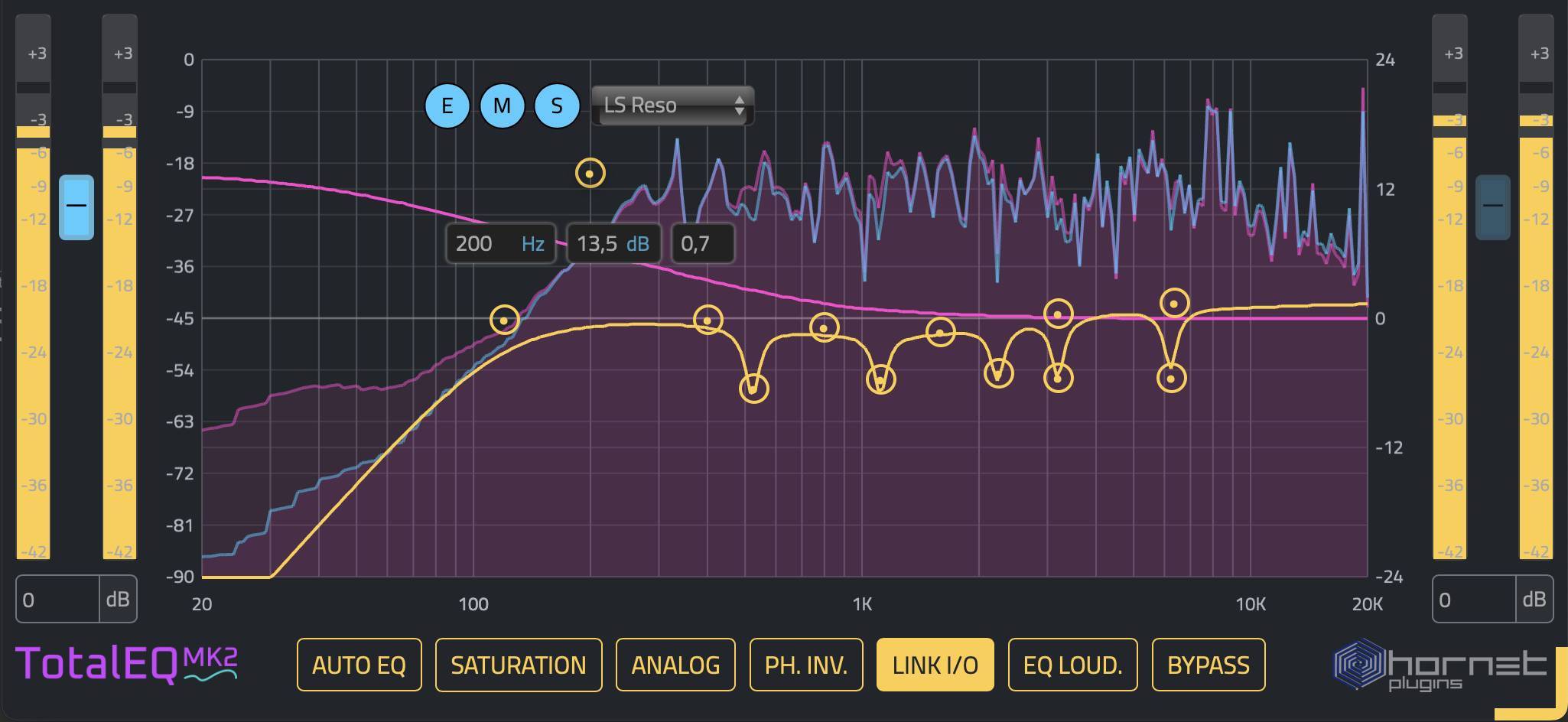
TotalEQ MK2 delivers the precision you need to sculpt your mix’s frequency balance without introducing artifacts or phase issues. Whether you’re cutting problem frequencies on a vocal, carving space for a guitar, or gently shelving a harsh high end, TotalEQ MK2 gives you the surgical control and transparent sound that tonal correction requires.
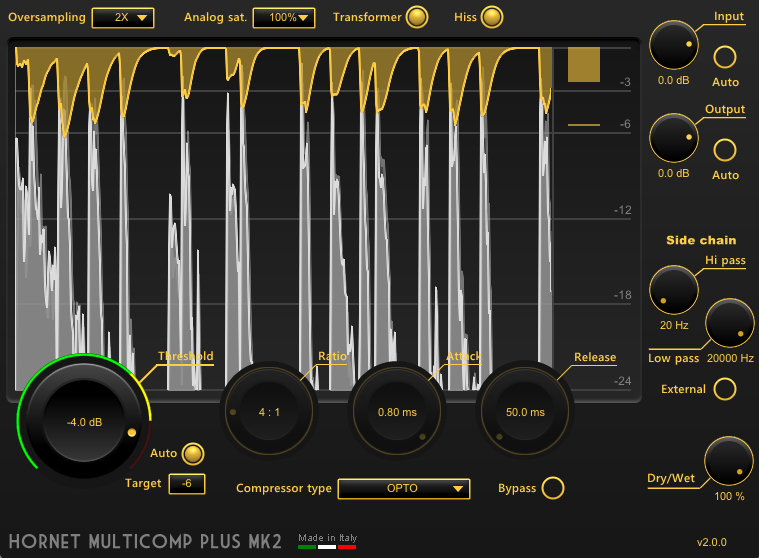
Multicomp Plus MK2 is built for the kind of compression that makes a mix feel like a cohesive record. Its multi-band capabilities let you target specific frequency ranges — tighten the low-end without affecting the body of a vocal, add punch to drums without coloring the bass. The “Plus” in the name reflects enhanced features and refined behavior over the original Multicomp.
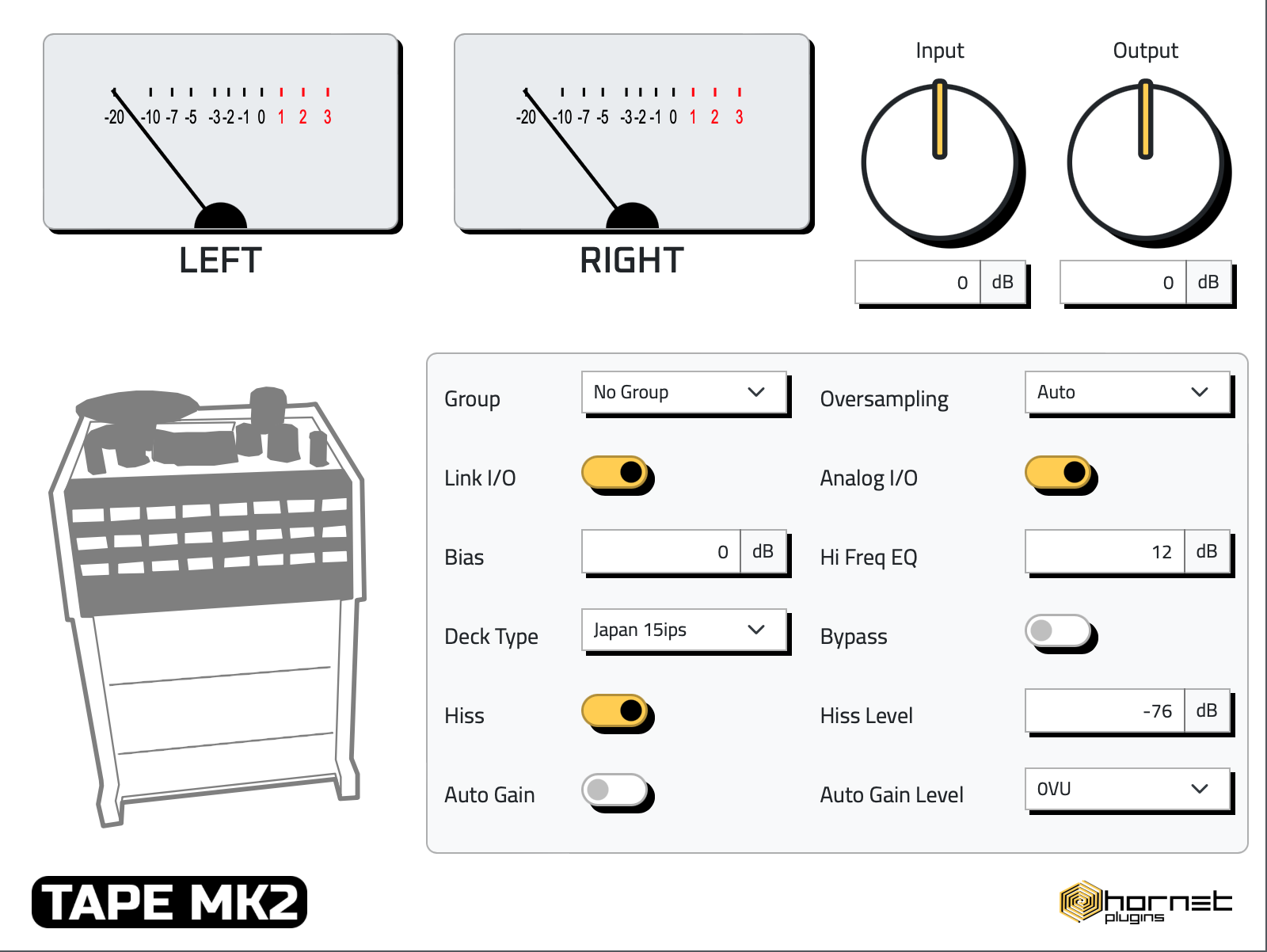
Tape MK2 is about refined analog warmth. It simulates the behavior of professional tape machines — soft clipping on transients, gentle harmonic saturation, and a top-end that feels natural rather than harsh. Use it on buses, vocals, or full mixes to add cohesion and that sought-after “recorded” quality.
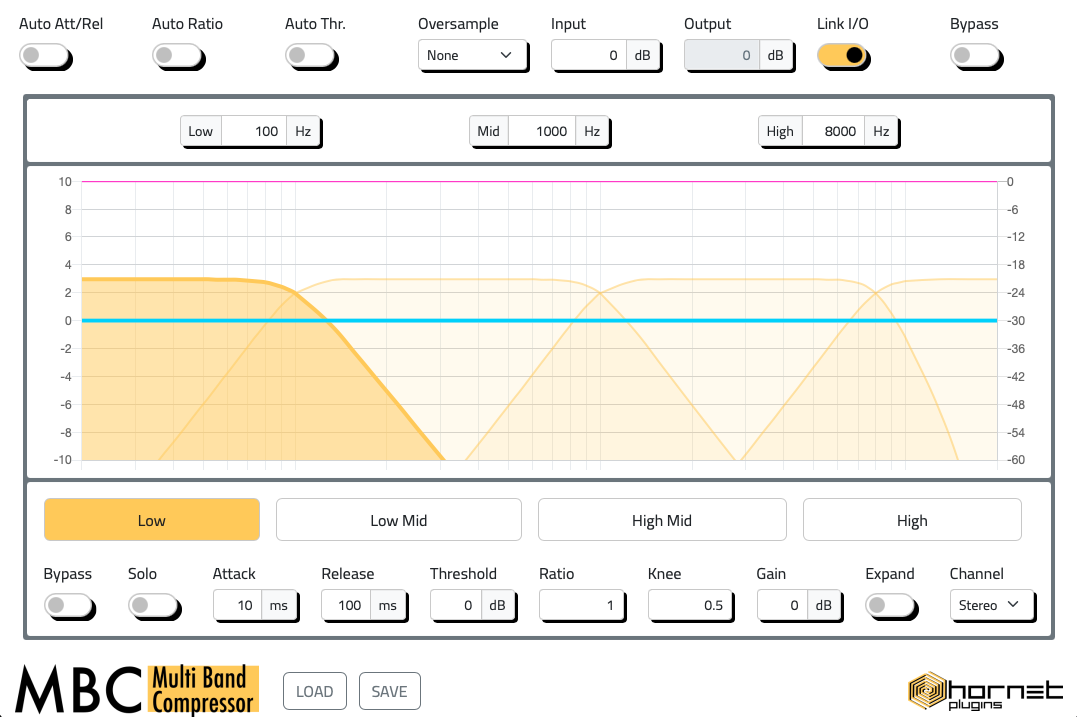
When a single band of compression can’t handle the job, MBC’s multiband approach lets you target specific frequency ranges independently. Tame a harsh upper-midrange without killing your high-end. Control a boomy low-end without affecting transients. MBC brings the kind of precise dynamic control that elevates a mix from amateur to professional.
Try the free demos — all five plugins are available as free, fully-functional trials. Hear the difference on your own mixes before you commit.
The “cheap” sound isn’t a talent gap. It’s not a gear gap. It’s almost always a technique and workflow gap — and technique is learnable. Understanding why mixes sound thin, harsh, or disconnected is the first step. Having the right tools to address those specific issues is the second.
None of these fixes are expensive or exotic. They require patience, a trained ear, and a willingness to stop reaching for new plugins and start using the ones you have — properly. The tools above can help you do exactly that.
Try the free demos and hear what a properly balanced, compressed, and warmed-up mix actually sounds like.