


Start with the levels, not another processor.
Before the EQ and compression, there are the levels. Open a multitrack session and the differences are already there: a loud snare, a quiet guitar, or backing vocals that disappear behind the lead. Getting those tracks into a useful relationship is part of mixing. It is also a first pass you may want help with.
That does not mean making every track equally loud. A kick and a backing vocal have different jobs. Nor does it mean flattening the dynamics until everything fits. A starting balance should let you hear the arrangement and decide what needs attention, without pretending to make the creative decisions for you.
ZeroLevel assists that first pass. Insert it on the tracks you want to coordinate and assign them the same Group ID. A group is simply a set of plugin instances sharing an ID — it is not a bus, and it does not change your routing. Check each source type, play the song, and stop the transport to start the analysis.
When every instance in that group has a valid Learn result, ZeroLevel applies the gains automatically. The audio path uses one global gain per instance, not EQ or compression. After Learn, that gain is held rather than continuously riding every phrase or transient.
From there, listen and make it yours. Try a different group preset, bring the guitars forward with a source offset, or change a source type without learning again. Valid Learn results are saved with your project. We see this as a useful place to begin: the final balance, processing choices, and movement of the song still belong to you.
Play. Stop. Review your starting balance.
Play captures. Stop starts analysis. A ready group applies the gains.
01 / Choose the tracks
Insert ZeroLevel on the tracks you want to coordinate. Assign the same Group ID and check Track Type. A manual choice overrides Auto.
02 / Play the song
For a full-song analysis, play from the beginning to the end. ZeroLevel captures the material accepted by Learn Threshold during playback.
03 / Stop and let it analyze
Stop starts the analysis. Instances may wait for an analysis slot. The initial matching applies only when every member of the group is ready. No Apply button.
04 / Make it yours
Change the group preset or source offsets without repeating Learn. Review the result, then continue mixing in your DAW.
Every instance in the group needs a valid Learn result. A silent or unfinished track can keep that group waiting. Other Group IDs remain independent. Use Instances & groups to check progress.
One first pass. Room for your decisions.
Coordinate tracks, not just individual gains.
Use eight independent groups to choose which tracks share a starting balance. Every instance belongs to its selected Group ID. A group can also contain a single instance.
Instances & groups shows who is ready and who is still learning. Coordination works within the same host process and plugin module, not across isolated or bridged processes.
Useful for: multitrack sessions and separately managed groups of stems.
Adjust levels without EQ or compression.
ZeroLevel analyzes six frequency bands to calculate its gain. That analysis does not apply an EQ curve to the output: the processing is a single, smoothed global gain.
It is not a compressor, limiter, gate, or denoiser. Changing levels can change how downstream processors respond, so listen to the rest of your chain too.
Useful for: setting levels before making tone and dynamics decisions.
Try a different emphasis without learning again.
Nine shared presets let you review different level relationships after Learn. Try Vocal Upfront, Rhythm Focus, Guitar Heavy, or one of the other starting points.
Change the preset on one instance to update its group. These are level emphases, not genre recognition or timbral processing. Your analysis stays available.
Useful for: comparing directions before committing to a final balance.
Fine-tune source levels across a group.
Use a ±12 dB offset for each of 12 source categories. Bring Guitar tracks forward in the selected group without changing guitars in another group.
Offsets apply after matching and do not accumulate with repeated edits. Auto instances use their resolved category. Drums is a separate category, not a shortcut for Kick, Snare, and Claps.
Useful for: shared category adjustments without a new Learn.
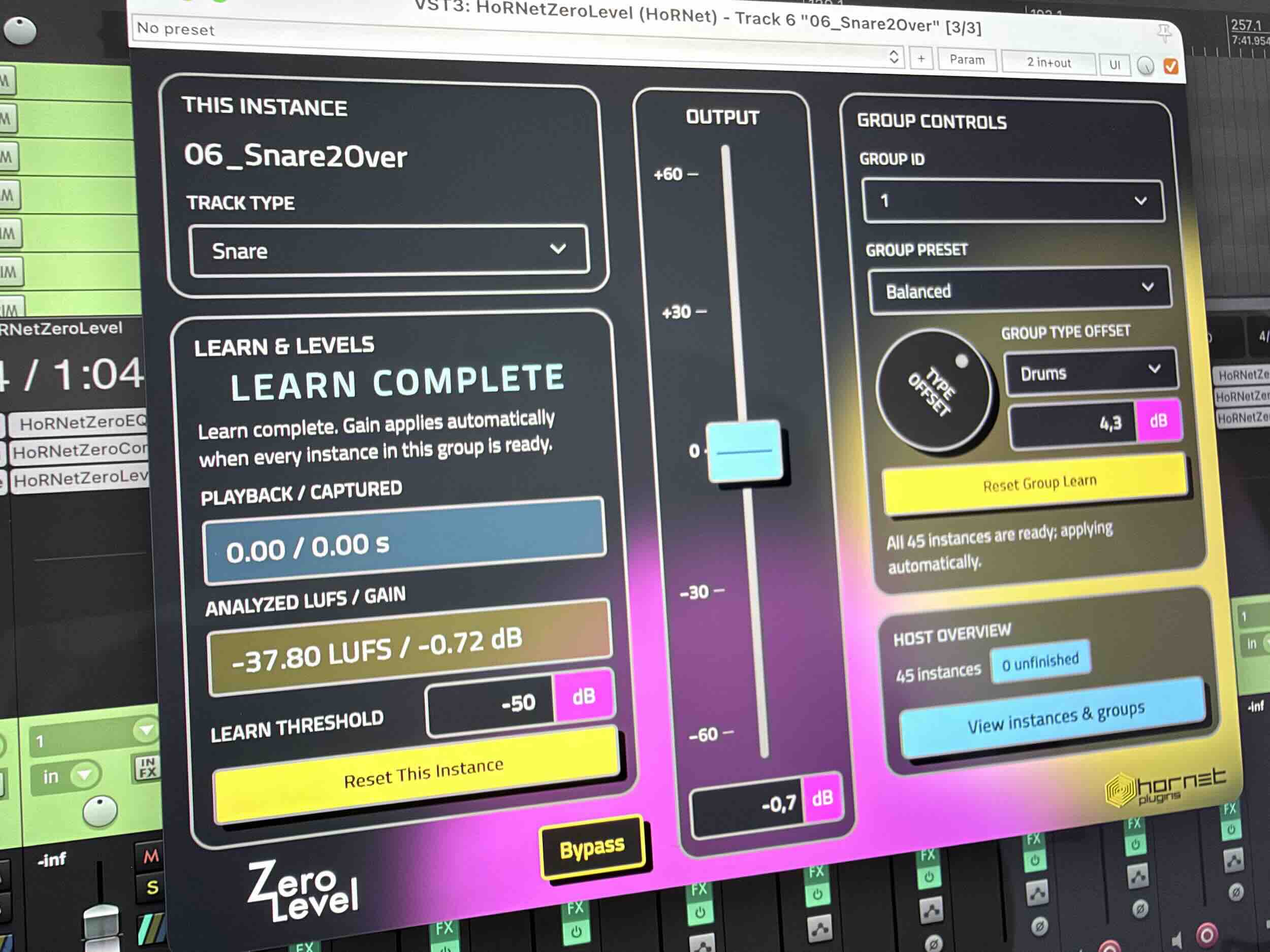
Why this is not simple LUFS normalization
ZeroLevel uses band-level analysis and source types to calculate gains. It does not force every track to the same full-spectrum LUFS value, and it does not set a guaranteed mix loudness.
When available, the group reference follows this priority: Snare, Kick, Drums, then Lead Vocal. Source categories have different relative level targets. Without a reference class, ZeroLevel uses the base gain, preset, and manual offsets instead of relative matching.
Relative correction is limited to ±12 dB, with total gain limited to ±60 dB. Those limits mean a target is not guaranteed. ZeroLevel does not protect the rest of your chain from clipping.
Build your mix faster with the Zero series.
Start with ZeroLevel, then move through tone, dynamics, bus processing, stereo width, and loudness with the Zero series. A faster workflow — with the final decisions still yours.
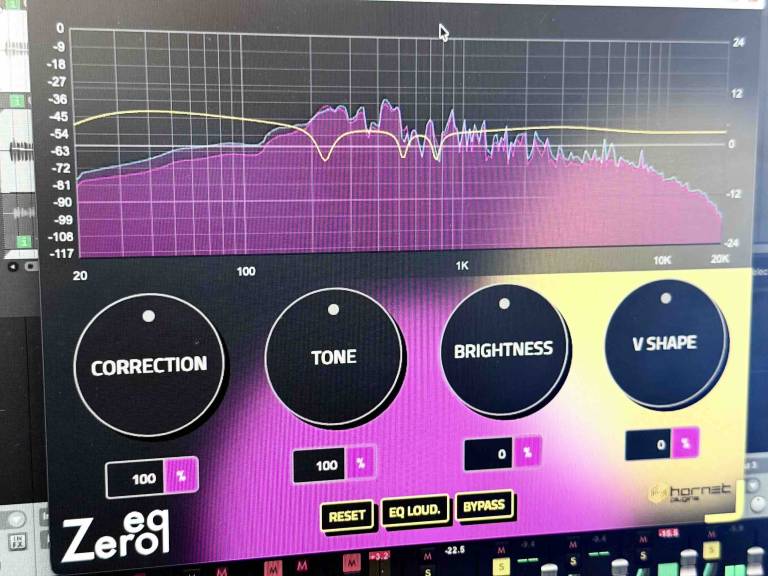
ZeroEQ
Find resonances and shape tonal balance with automatic frequency correction.
Explore ZeroEQ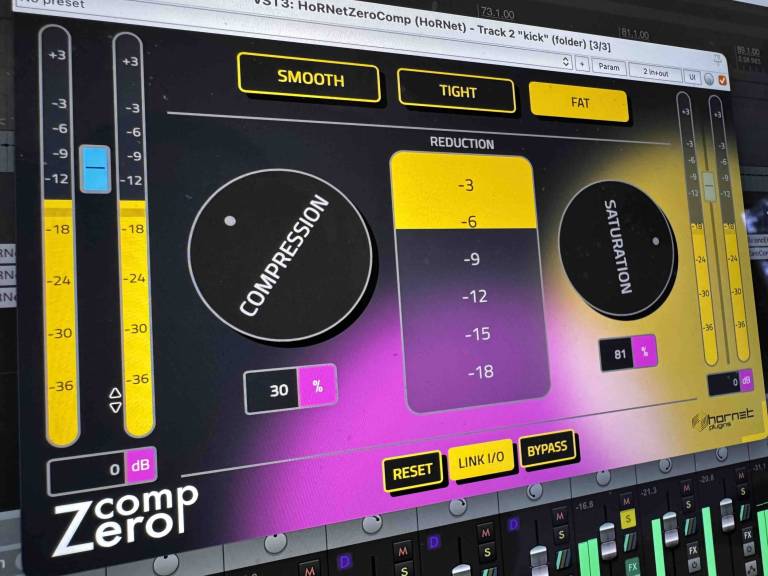
ZeroComp
Let audio analysis calibrate compression, then choose the character and amount.
Explore ZeroComp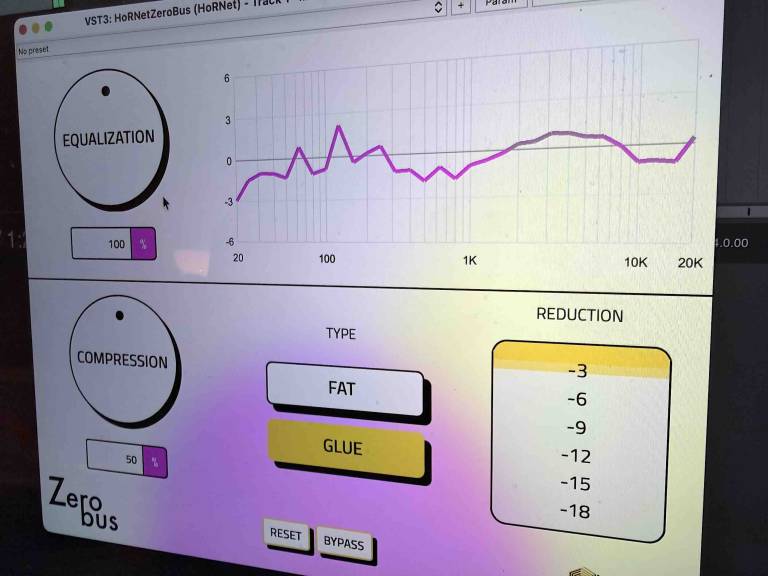
ZeroBus
Combine automatic EQ balance with intelligent compression on your mix bus.
Explore ZeroBus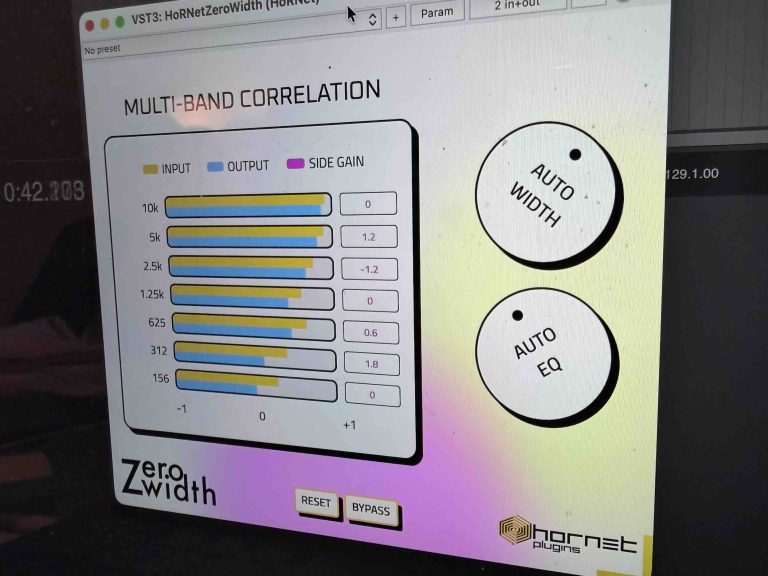
ZeroWidth
Shape your stereo image with multiband correlation analysis and automatic width control.
Explore ZeroWidth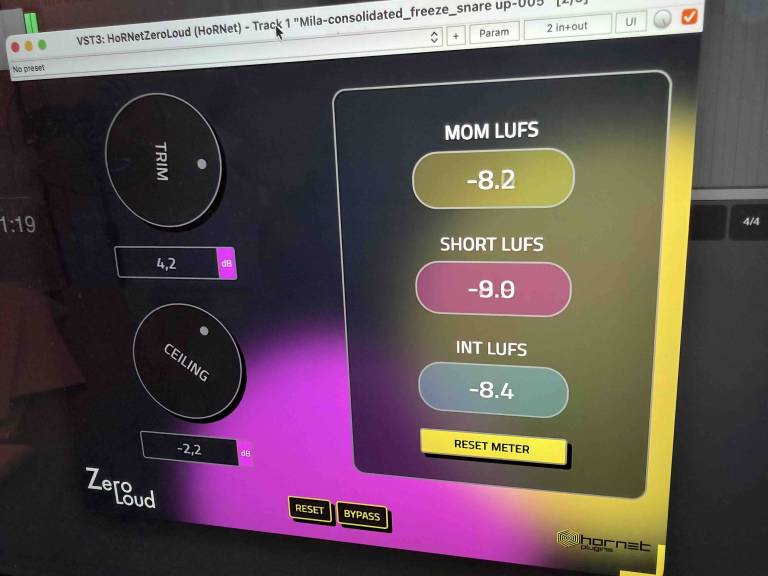
ZeroLoud
Work toward your loudness target with automatic gain, limiting, and LUFS metering.
Explore ZeroLoudKnow what your session needs.
- Audio: mono and stereo, zero declared latency.
- Groups: eight Group IDs, nine shared presets.
- Sources: Auto plus 12 manual source categories.
- Adjustment: source offsets ±12 dB, total gain ±60 dB.
- Learn: capture during Play, analysis after Stop. Valid results save with your project.
- Packaged formats: VST3 and AAX for macOS and Windows, plus Audio Units for macOS. 64-bit host required.
- Windows editor: Microsoft Edge WebView2 Evergreen Runtime required.
- Coordination: instances must share the same host process and plugin module.
- Documentation: English and Italian manuals are included in the download.
Plan for RAM and analysis time. Learn stores captured audio in RAM. Five minutes of stereo audio at 48 kHz uses about 220 MiB per instance, before temporary buffers. Long songs and many instances can require substantial memory and several minutes of analysis after Stop.
Check the demo in your own operating system and DAW before buying. Packaged formats do not imply that every host or operating system version has been tested.
Frequently asked questions
Click a question to see the answer.
Is this an automatic mixing plugin?
ZeroLevel helps with the first level pass. It does not decide EQ, dynamics, pan, effects, or artistic automation. Treat the result as a starting balance, then listen and make the final decisions.
When does it apply the gain?
It captures during Play and analyzes after Stop. Initial group matching applies when all instances in that group have a valid Learn result. Analysis can take time. After Learn, it holds the gain rather than continuously following phrases or transients.
Does it change tone or dynamics?
The output uses one global gain, with no EQ or compression. It does not even out every section of the song. Downstream compressors, saturation, and other level-dependent processors can react differently to the changed level.
Why is my group still waiting?
A member may be silent, unfinished, or unable to complete its analysis. Check Instances & groups. Correct its capture and repeat Learn, or remove it or move it to another Group ID. Learn Threshold only controls what enters the analysis, not the audio output.
What if Auto picks the wrong source?
Choose Track Type manually. Manual selection overrides name and audio recognition without a new Learn. Track names depend on host support, and the audio classifier covers only some source categories, so always check the selection.
Can I use it on buses?
Yes, as a separate manual stage after upstream tracks are ready and their gains are applied. Choose another Group ID. ZeroLevel does not know the routing or nesting. Changes upstream do not automatically restart bus Learn: repeat it explicitly when needed.
Do I need to learn again after changing a preset?
No. Presets, source type changes, and source offsets can update a ready group without a new Learn. Valid analysis is saved with the project. Different material or changes before the plugin may require Reset This Instance or Reset Group Learn and another playback.
Can I try it, and what does the purchase include?
Download the free demo to check your setup. ZeroLevel is €24.99 as a one-time purchase. Your download includes the plugin and English and Italian manuals. See our general terms for purchase and refund conditions. Other Zero plugins are sold separately.
Build your mix from a starting balance.
Let ZeroLevel handle the first level pass. Choose the tracks, play the song, and review the result. The final balance stays yours.
€24.99 one-time purchase
One-time purchase · Downloads through your HoRNet account
Low prices, Great sound