
Build Euclidean MIDI rhythms with 16 independent lanes. Try a five-hit hi-hat pattern, shift it against the beat, and explore the free demo.
HoRNet RhyGenerator MK2 is a 16-lane Euclidean MIDI sequencer for macOS and Windows. Use it to write drum patterns, bass figures, or arpeggios for the instruments you already have in your session.
Think of a loop where the kick and snare are doing their job, but every bar still feels the same. Adding more notes isn’t always the answer. Moving the same notes by one sixteenth can make a hat pattern pull against the kick instead of landing with it. The trick is hearing that difference before you commit to the edit.
We built RhyGenerator MK2 around that comparison. Set the length of a cycle, the number of hits, and where they start. Then listen against the rest of the track. When the pattern works, keep it as it is or switch to Custom and change individual steps. The plug-in generates MIDI, not sound, so you don’t have to swap out the drum kit or synth that got you this far.
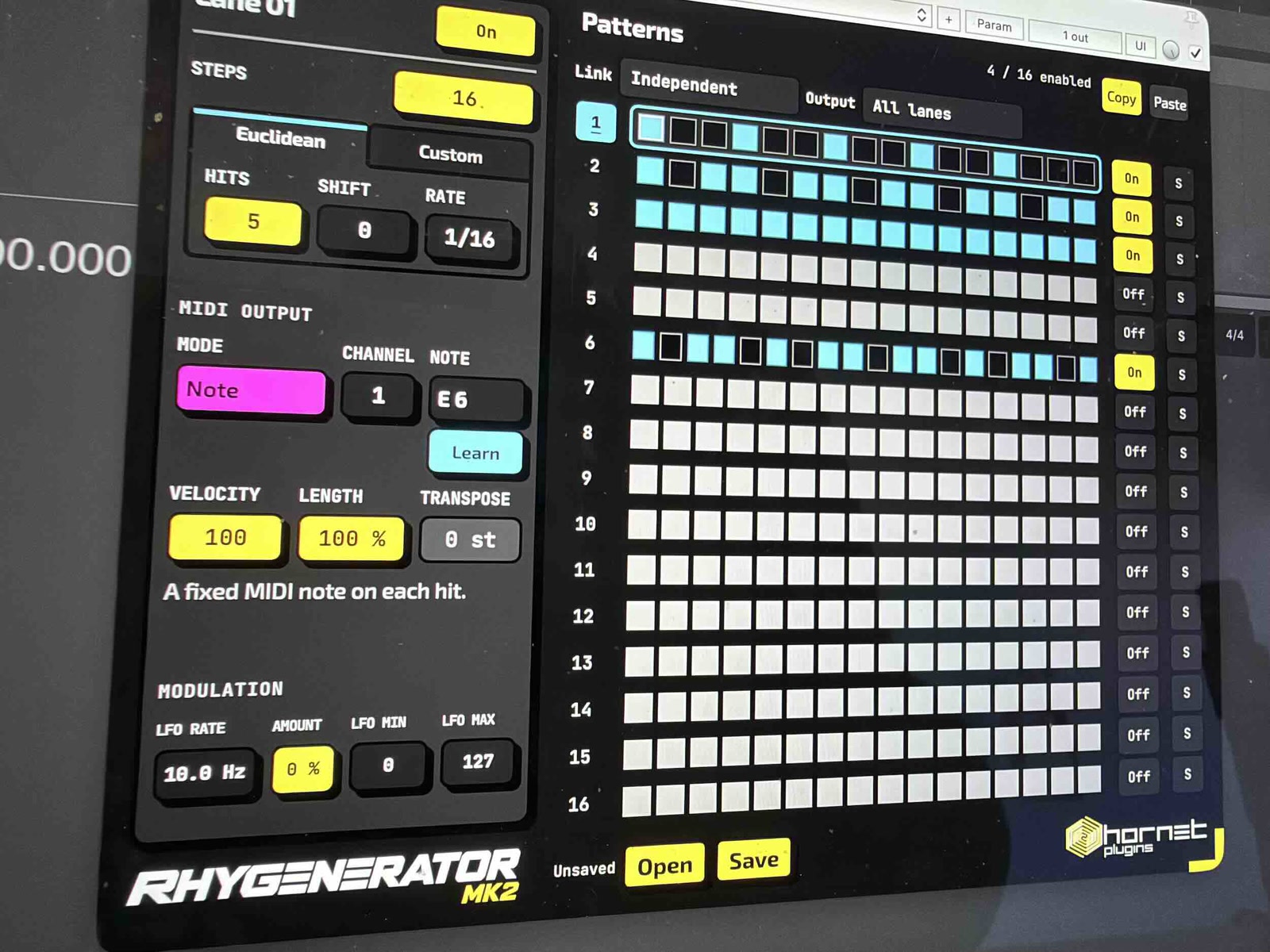
Route a Note lane to a closed hat. Set the lane to 16 steps at 1/16, choose five hits, and leave Shift at zero. Euclidean mode spaces those hits as evenly as the grid allows. Now set Shift to one. You’ll hear the same hits and gaps, but the whole pattern lands a sixteenth later. Keep your kick and snare playing while you compare.
Next, switch that lane to Custom. Remove the hit that competes with the snare, or accent the one that leads into the next bar. The Euclidean pattern gives you a starting point; the edits make it fit this track. If you switch back to Euclidean to try another idea, your Custom changes are still there when you return.
You don’t have to give every lane the same cycle. Try three percussion hits over eight steps next to the sixteen-step hat. Each lane has its own length, rate, and MIDI channel, so you can change the percussion without rewriting the hats. In Note mode, MIDI Learn lets you choose a drum by playing its pad or key rather than looking up its note number.
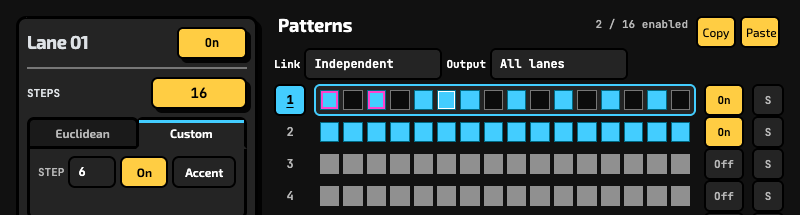
Use a Note lane for a single bass pitch, run held notes through an ascending or descending arpeggio, or trigger the whole chord on each hit. CC mode sends the rhythmic pattern to a mapped MIDI control instead. A per-lane LFO can vary note velocity or the CC value.
Need separate plug-in instances for different instruments? Put them in the same Link group and choose which lane each instance outputs. Linked instances must use the same plug-in format and run in the same process. Before setting up a larger session, check that your DAW can route MIDI from the chosen format to the receiving instrument.
Start with a loop you’ve already heard enough times to know what feels stiff. Add one hat lane and compare Shift at zero and one. If neither sits right, change the hit count before adding another layer. That quick comparison is the point: keep everything else constant so you can hear what the rhythm is doing.
HoRNet RhyGenerator MK2 is €16.99 as a one-time purchase. If you own the original RhyGenerator, you can upgrade for €2.99. If you already own the HoRNet Complete Bundle, you get 40% off RhyGenerator MK2.
There’s a free demo to check routing and try the workflow. On the product page you’ll find the format details and demo access.
Low prices, Great sound