HoRNet Wah-Wah v1.3.1 fixes Audio Units validation on Apple Silicon Macs (M1/M2/M3) and removes VST 2.4 support. Free update for all users. Download now.
We’ve just released HoRNet VHS MK2 version 2.0.1. This is a targeted maintenance update — no new features, no interface changes, just four important fixes that make the plugin more reliable in the workflows where these issues were showing up.
Here’s exactly what we addressed.
Some users who had created custom headphone profiles were running into a frustrating issue: after saving their profiles, they couldn’t find them in the headphone selection list when reloading the plugin. The profiles were there — the UI just wasn’t showing them. This is now fixed. Your custom profiles will appear in the list as expected, every time.
A validation error was preventing VHS MK2 from passing Logic Pro’s plugin scan in certain configurations. This made the plugin unavailable in one of the most widely used DAWs in the industry — clearly unacceptable. We’ve resolved the validation issue and VHS MK2 now loads correctly in Logic Pro without errors.
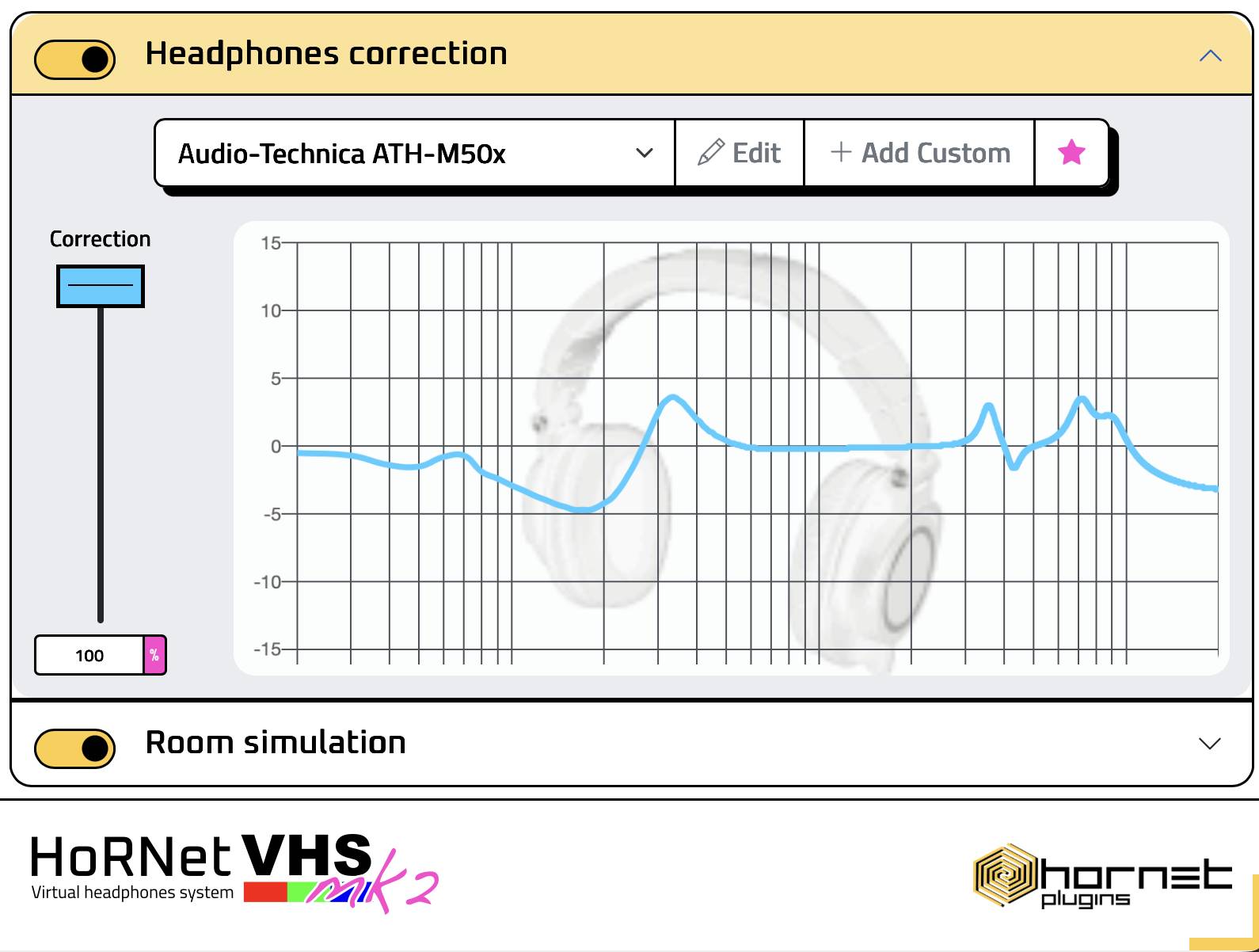
When importing correction profiles from the AutoEQ database, some headphone models were receiving incorrect frequency response data due to a parsing issue with certain file formats. The import logic has been corrected — profiles for all affected headphone models now import accurately, ensuring your correction curve reflects the actual measurement data.
In some DAWs using the Audio Unit format, the frequency response graph was not rendering when loading a previously saved session — it would only appear after manually interacting with the plugin. This display issue is now resolved. The frequency response view loads correctly from the moment you open your session.
If you purchased HoRNet VHS MK2, the update is free. Open HoRNet DoIn the scroll then list of plugins until you find HoRNet VHS MK2 2.0.1, click “install” and you are done. Your existing presets and session data are fully preserved.
As always, if you run into anything unexpected after updating, don’t hesitate to reach out through our support channel — we read every message.